Listing videos
One property. Every video it needs. Built from the photos you already have.
A listing on Villenza is a property, not a file. It comes with enough generations to cover the whole house, reels cut for every place you post, and your brand on all of it — with no shoot day, no crew and no editing suite.
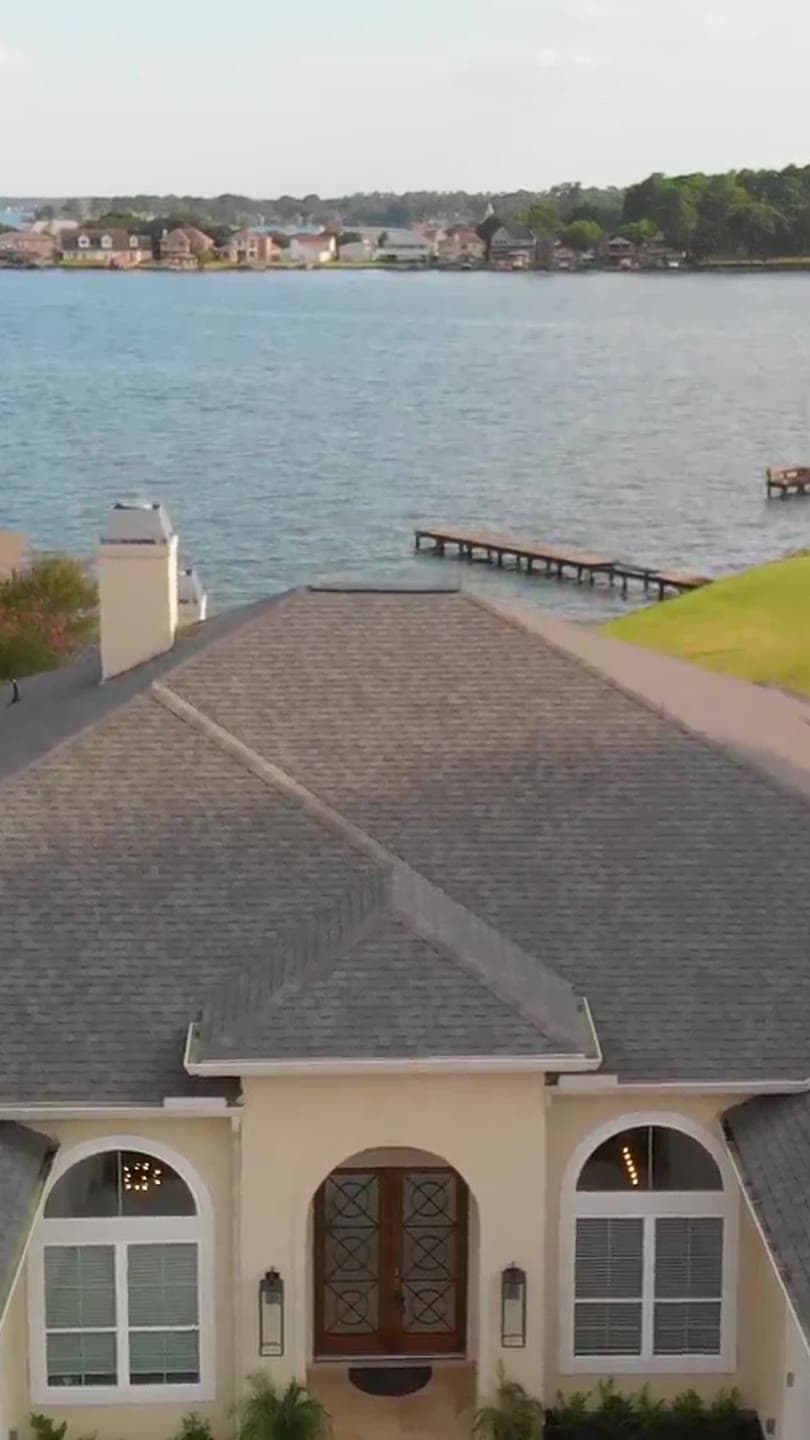 Reels 9:16
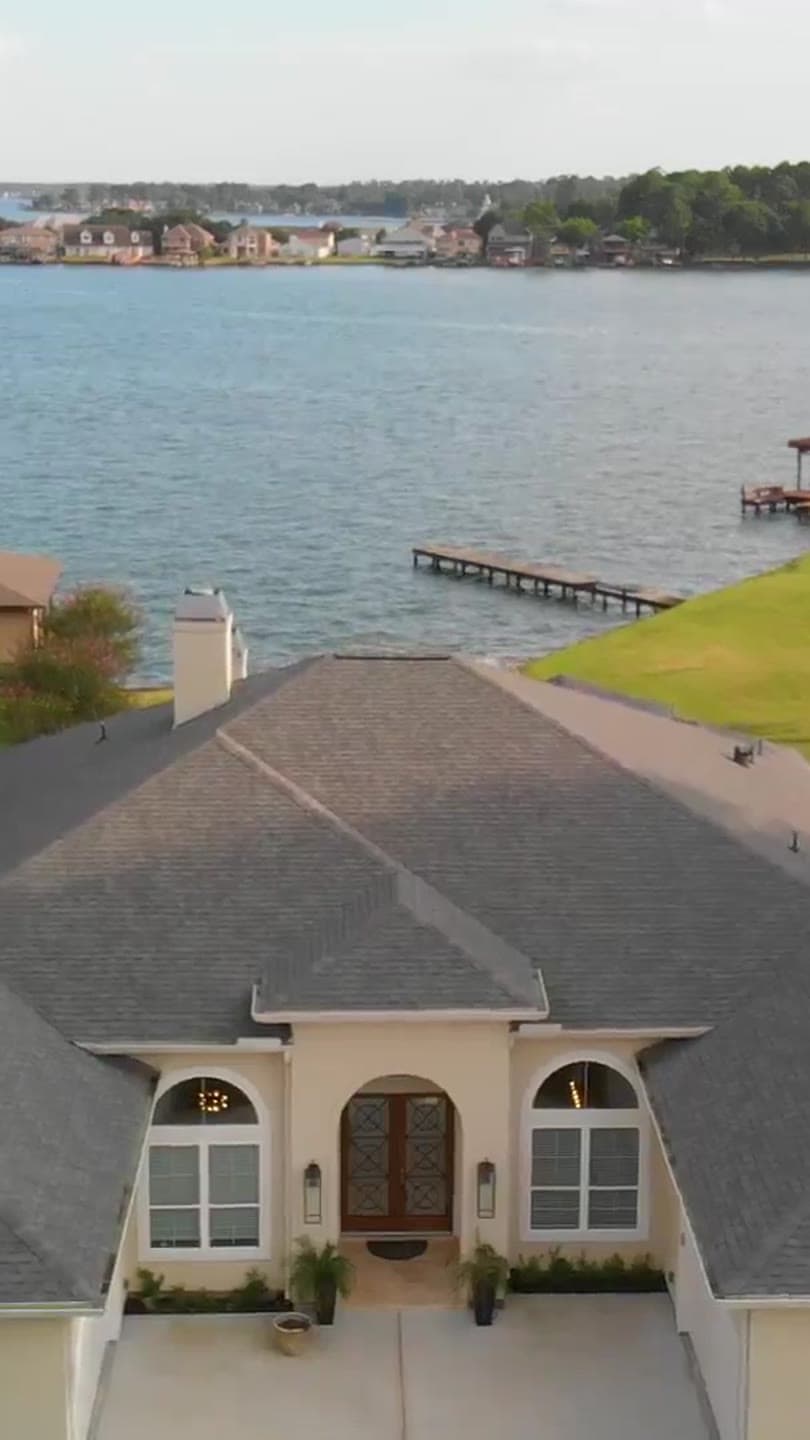 TikTok 9:16
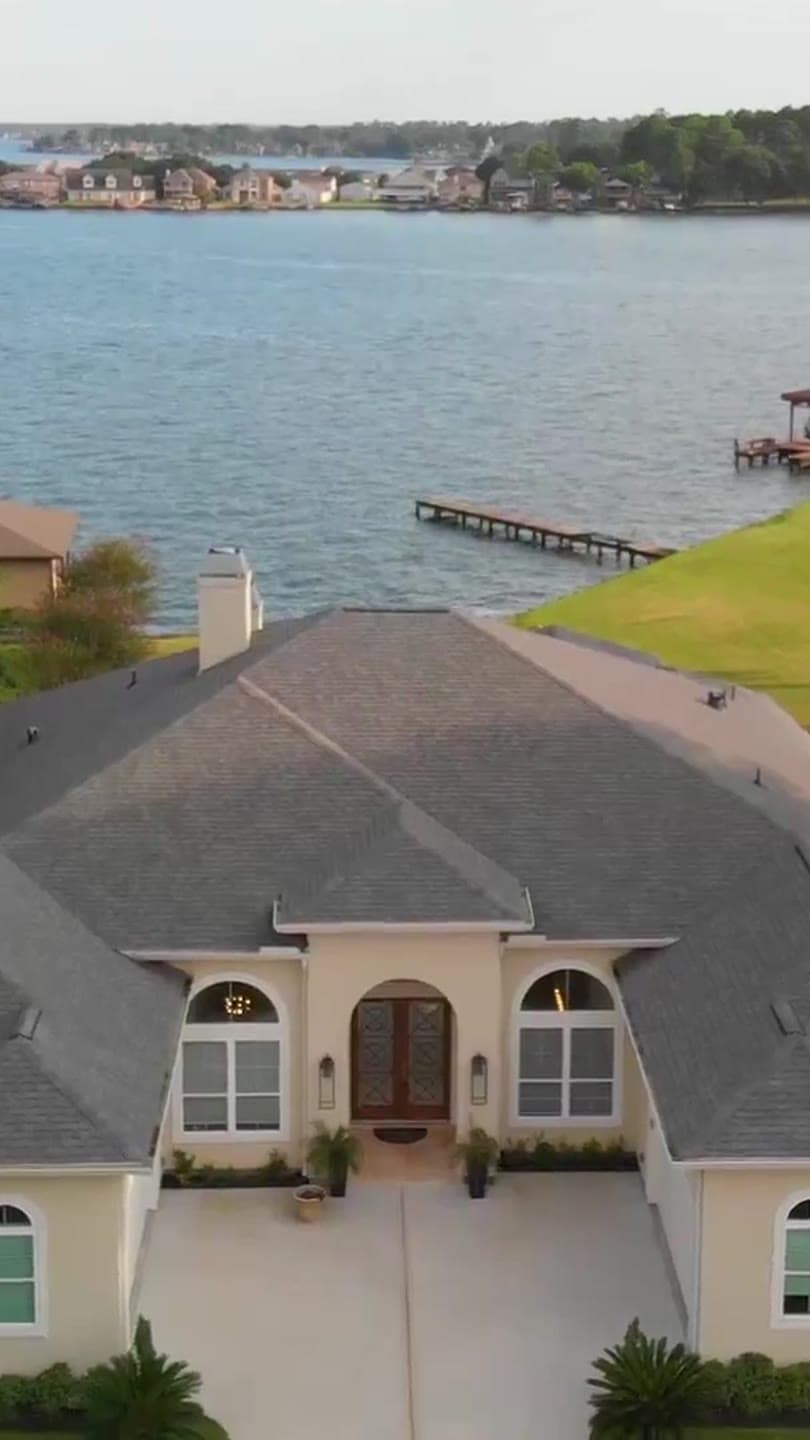 Shorts 9:16
What a listing includes
Enough for the whole house, and nothing metered that shouldn't be.
Priced per property because that is how you already think about marketing one.
8 generations, plus 2 free re-generations
A generation is one AI take of one room with one camera move. Ten takes is enough for a whole house: every main room, the exterior and a re-do of the one that didn't land.
720p HD, on every plan
The same model and the same output whether you are on Agent or Brokerage. Plans change how many properties you market a month, never how the video looks.
Unlimited reels, edits and downloads
Cut the clips into as many reels as you like, in the editor or automatically, and download the original file whenever you want it. None of that is metered.
Your brand on every render
Logo, colours and type from the brand kit are applied to every reel automatically, so nothing goes out looking like someone else's listing.
Formats
One take, cut for every place you post.
Every clip can be cut to vertical, square or wide, with a transition, a music bed and your logo — automatically, or shot by shot in the editor.
- 9:16
Vertical
Instagram Reels, TikTok, YouTube Shorts and Facebook Stories.
- 1:1
Square
The Instagram and Facebook feed, and LinkedIn posts.
- 16:9
Wide
Zillow, Realtor.com, the MLS where video is accepted, YouTube and your own website.
How it happens
Three steps, and none of them is a shoot day.
The whole job runs on photographs you already took.
- 01
Add the photos you already have
Three to five shots of the same room, taken as you walked through it. The photos from your last shoot are enough — nothing new to schedule.
- 02
Pick the camera move
38 moves, from a slow push into a living room to a drone fly-over of the whole lot. A board shows which photo becomes the first frame and which one the last.
- 03
Get the video, and reels cut from it
720p HD in a few minutes. Cut it to vertical for Reels and Shorts, add music and your logo, download the original and post it anywhere.
The part that matters
A video of the property you are selling — not one like it.
Marketing a home you have to disclose accurately is no place for a tool that improvises.
It moves the camera. It doesn't redecorate.
The clip is built from your photographs. No furniture is added, no wall is moved, no window gets a better view. What the buyer sees is what you shot.
The move stops where your last photo stops
Every clip opens on the framing of your first photo and lands on your last. It will not round a corner to show a room you never photographed.
Yours, commercially, on every plan
Download the original file whenever you like and use it in any listing or ad. Cancel and everything you already made stays in your account.
Questions about listing videos
Anything else, write to us — a person reads every message.
Market your next listing from the photos you already have.
Create an account without a card, set up your brand kit, and see the board with your own rooms in it.